 AgenticVexa
TutorialMay 4, 20266 min read
Using AgenticVexa Tools in Claude Desktop via MCP
Access all 18 AgenticVexa tools directly from Claude Desktop using the Model Context Protocol.
P
Pawan Kumar
Lead Developer
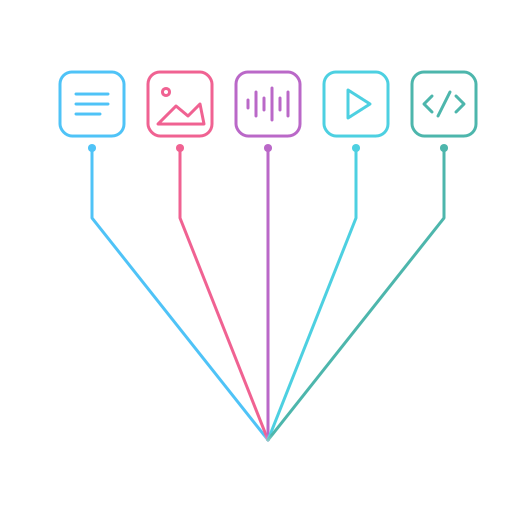
The Model Context Protocol (MCP) lets you use AgenticVexa's 18 tools directly from Claude Desktop — generate images, synthesize speech, create videos, and more without leaving your AI assistant.
What is MCP?
MCP is a protocol that allows AI assistants like Claude to use external tools. AgenticVexa provides an MCP server that exposes all our AI services as Claude-compatible tools.
Setup (2 Minutes)
Add this to your Claude Desktop MCP configuration:
{
  "mcpServers": {
    "agenticvexa": {
      "command": "npx",
      "args": ["@agenticvexa/mcp-server"],
      "env": {
        "AVX_API_KEY": "avx_your_key_here"
      }
    }
  }
}
Available Tools
Once connected, Claude can use 18 tools across 4 categories:
- AI Generation: text_chat, generate_image, generate_audio, generate_video, generate_slideshow
- Analysis: analyze_image, transcribe_audio
- Knowledge: upload_document, query_knowledge, web_search, fetch_url
- Utilities: calculator, get_current_time, system_info, list_voices, list_tables, database_query
Example Usage
Simply ask Claude naturally: "Generate an image of a mountain lake at sunrise" — Claude will automatically call the generate_image tool and return the result inline.
#mcp#claude#integration#tools